
In 2018, I jumped headfirst into cycling racing at the old Salt Lake area criterium racing staple, Rocky Mountain Raceway. I was terrible at it, initially. My first race I finished dead last, even in the beginner Category 4/5. However, I found the experience and community to be more than I could resist.

I continued to race criteriums (often shortened to “crits”) and started to find a groove. I kept working on racing tactics and fitness, and found myself on podium at the RMR course a few times. Consistency was paying off, and my fitness continued to improve. Rather than stagnate at the Category 5 level, I applied for a Category 4 upgrade and got it. I went on to race a handful of Category 4 races in the road racing and criterium disciplines.
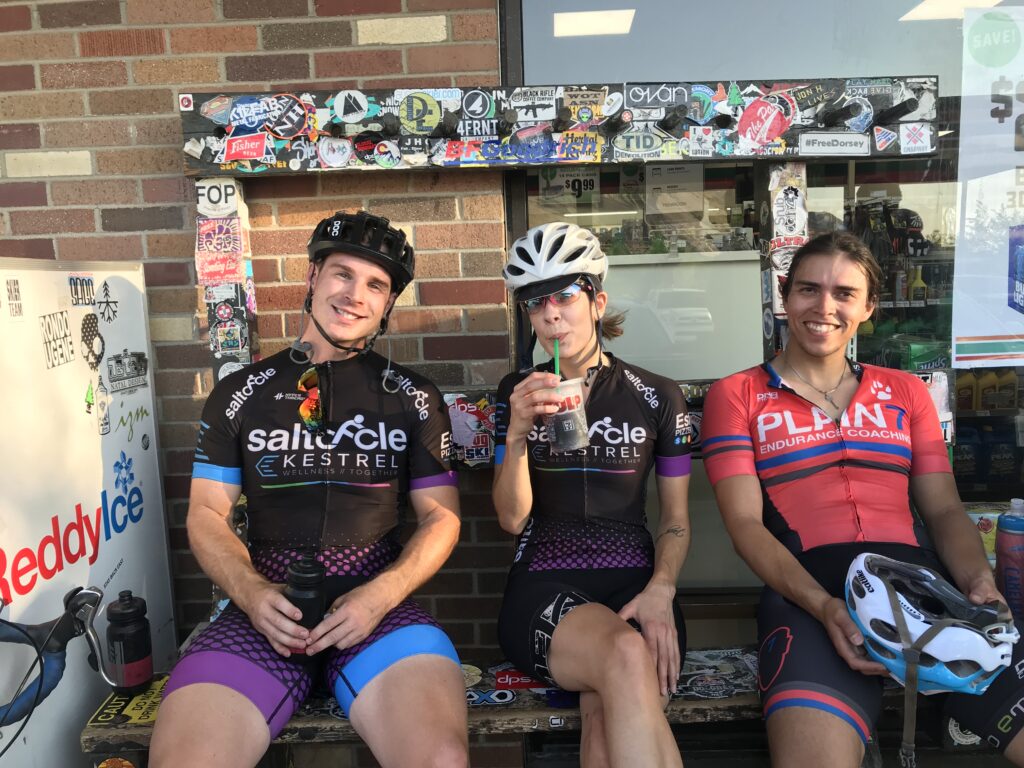
Around this time, I joined a local cycling team that would shape my life, community, and passions. Enter SaltCycle-Kestrel Wellness, a ragtag group of people who just loved to ride bikes. Some were competitive racers; some were just there to have a good time on two wheels. Both were equally important to the culture of the team and club, leading to the coining of the mantra “fun, not fast.”
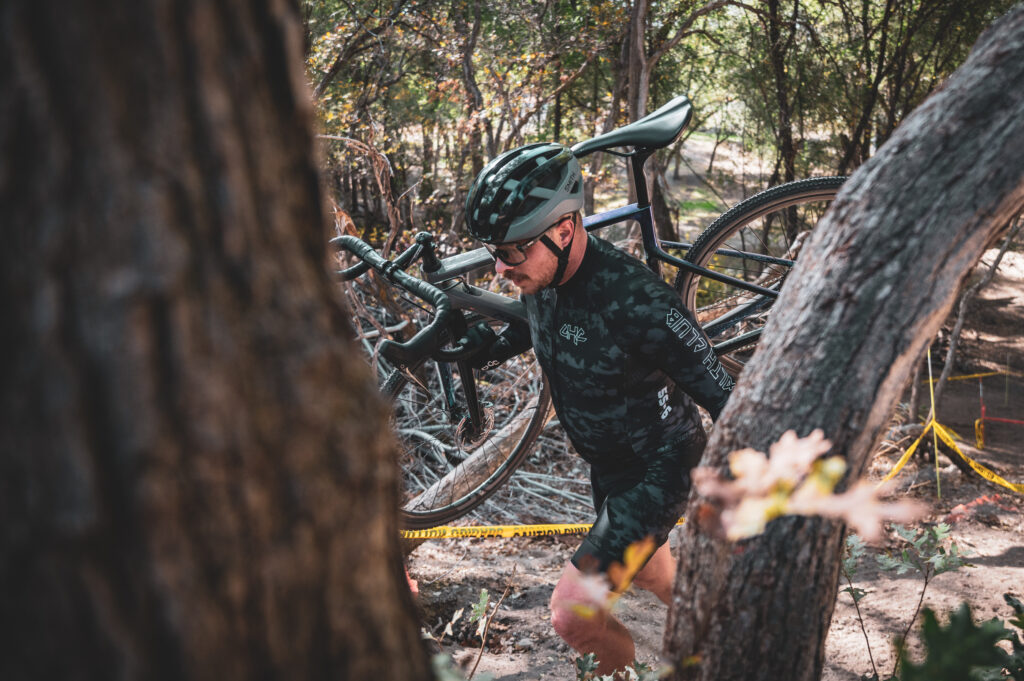
My involvement with SCKW would expand to a cycling discpline I didn’t know much about – cyclocross. If you’ve been around amateur road racing at all, you know how seriously some people take it. Cyclocross is, in many ways, a polar opposite. My introduction to cyclocross began with going to cheer on and support SCKW teammates at the local cyclocross series, UTCX. Having spent numerous years improving my photography but left somewhat stale and routine, having an event like cyclocross was exciting and new.
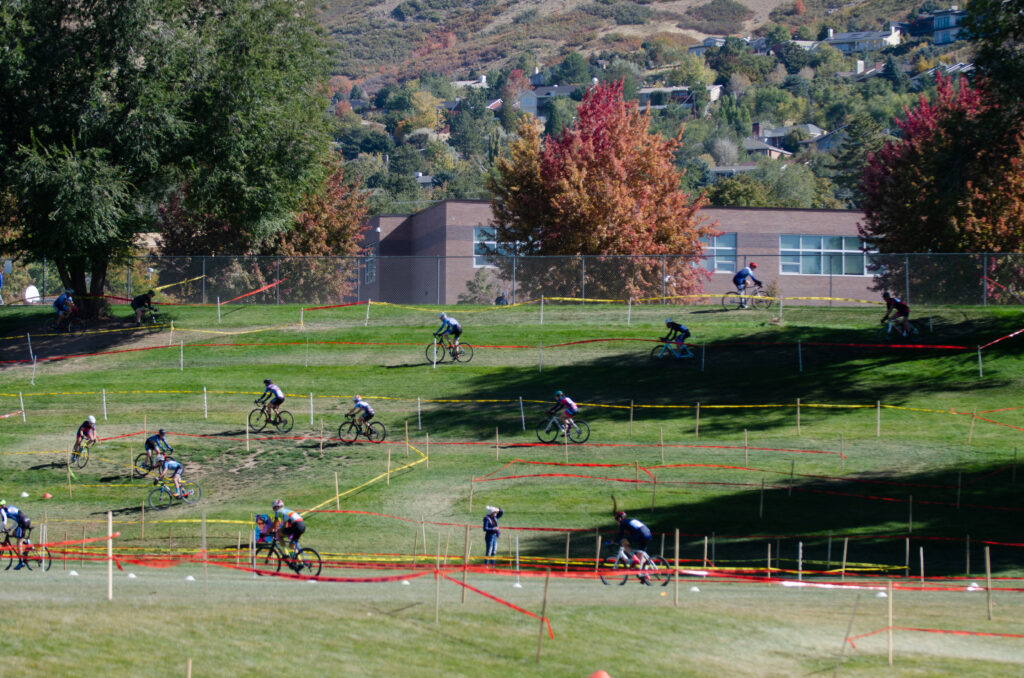
With cyclocross, I found another community of people who just loved bikes, and new friendships were forged. It would be several years before my cyclocross photography would really take off, but the connections I made in 2018 and 2019 would lay the groundwork for my passion and involvement with UTCX.
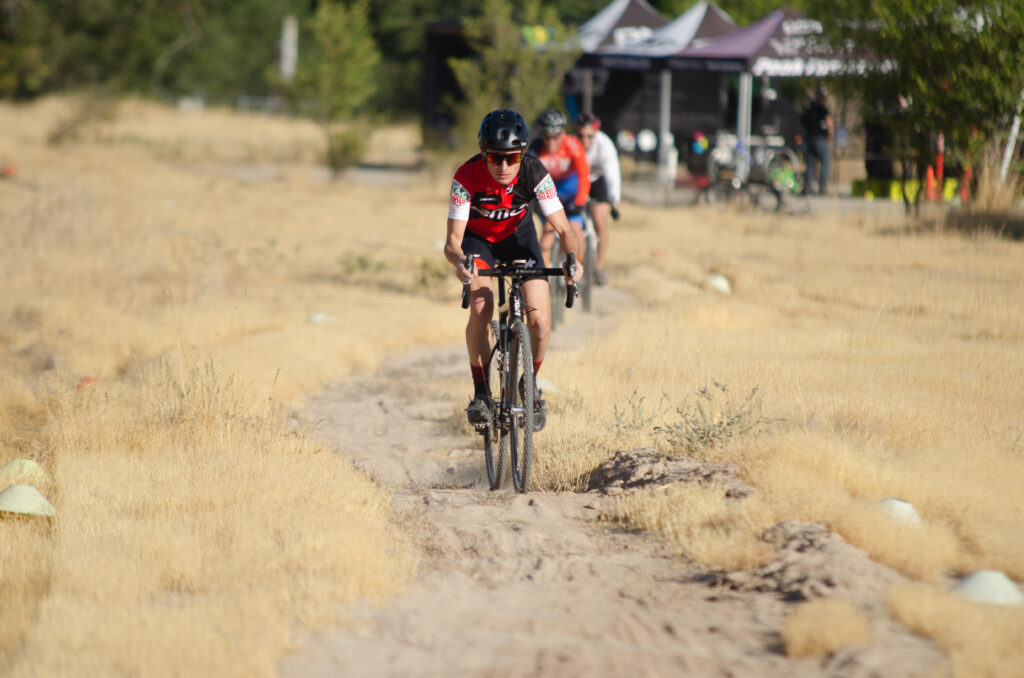
I continued to attend UTCX races to cheer on and photograph teammates and friends. Eventually I began to better grasp the cycling discipline that would blend my love of photography and love of bikes, at least until COVID-19 took hold of the world.
The pandemic would come, and the cycling community and racing world would screech to a halt. The community and friends I had built would be seemingly on pause for a while before the world knew what was going on, and some people moved on from SaltCycle-Kestrel Wellness and the team would enter a state I can only describe as hibernation. I took a step back from cycling racing through 2020, and only re-emerged in 2021.
With SCKW in hibernation mode, a few friends from the team would continue to race primarily cyclocross and I’d be there, camera in hand, to capture the races. 2021 was the first year I considered selling my photography from these events and I launched my photography brand SawyerLikesBikes. Most of the wonderful people I have the privilege to call friends circled around Gear Rush’s presence at UTCX races. Gear Rush, a locally-based EBay consignment shop for outdoor gear continued to throw their backing behind the cyclocross scene in Utah.
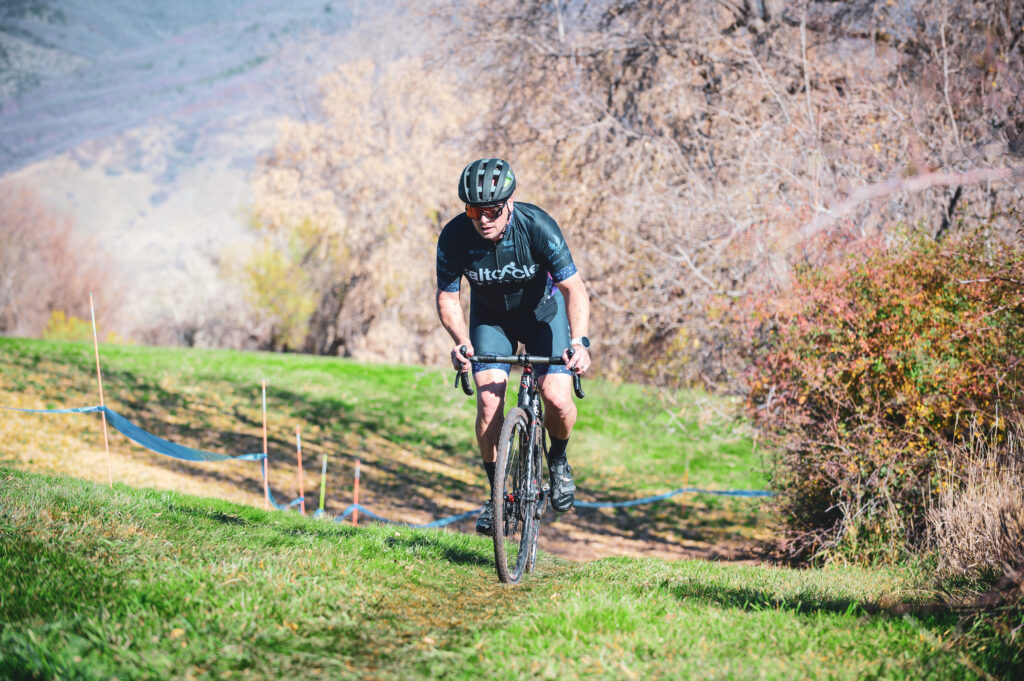
Having been at so many UTCX races and gaining notoriety for being the guy with the camera on course, I started to partner with UTCX to capture and market the blossoming race series. The community surrounding UTCX had captured my heart as a very welcoming and supportive space.
Cycling is an expensive hobby, which naturally attracts people with at least some level expendable income. This means people are and were willing to spend a few bucks on a photo of them doing something cool to share on their social media. My approach to my photography side-hustle wasn’t to get rich, I was more focused on supporting and cultivating the community that brought me such great friends and time on bikes that improved not only my physical health, but mental health as well.
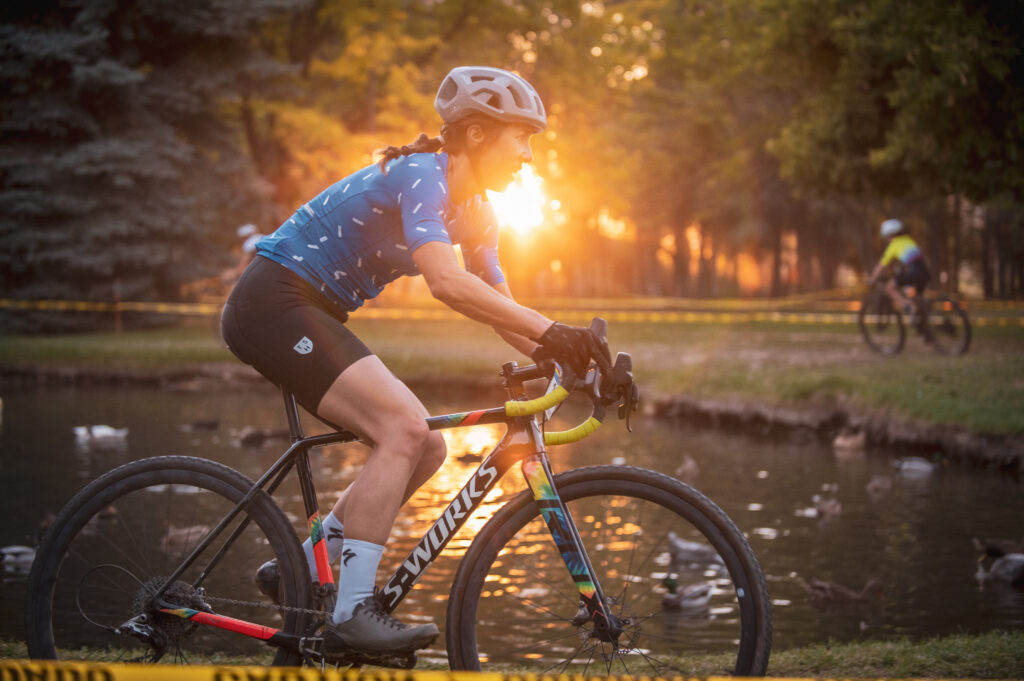
From about 2021 forward, I would establish myself as a near constant presence at every local cyclocross race I could get to. I think I maybe missed one or two UTCX races in the next several years, and would even expand to covering P-Town Cross in Utah County as well.
While I’d occasionally race a few token races at UTCX and P-Town Cross (with my fitness having seen a drop during the pandemic), I found more joy in capturing the races from behind the camera. The people in the Utah cyclocross scene truly make the community something wonderful. Each year when cyclocross season comes to an end, I find myself missing the time spent at races, even if they’re rainy, snowy, or muddy.
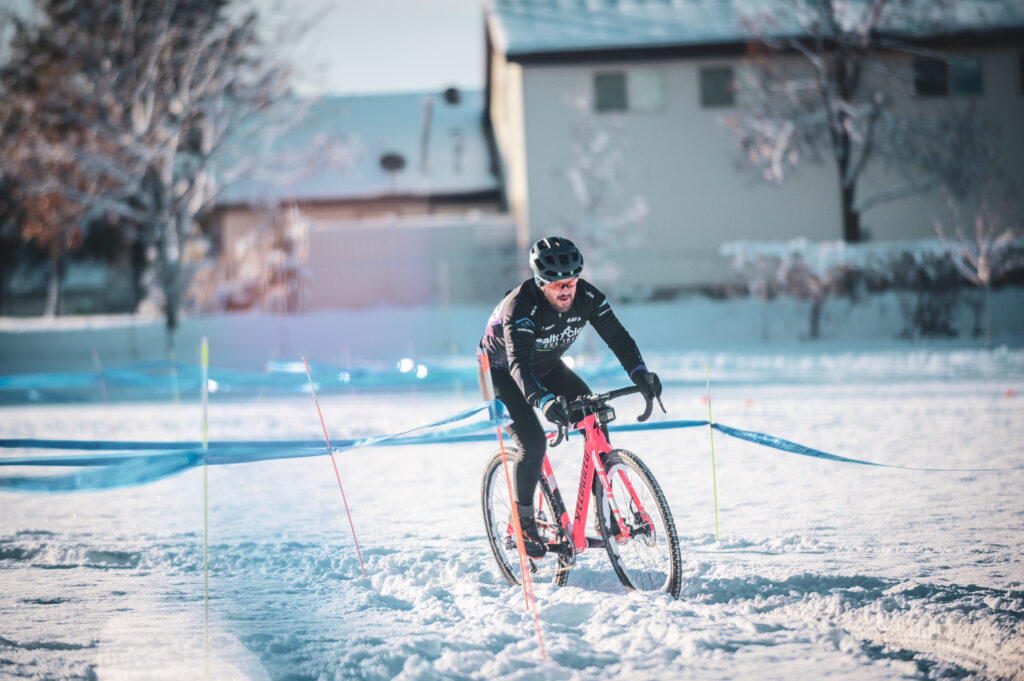
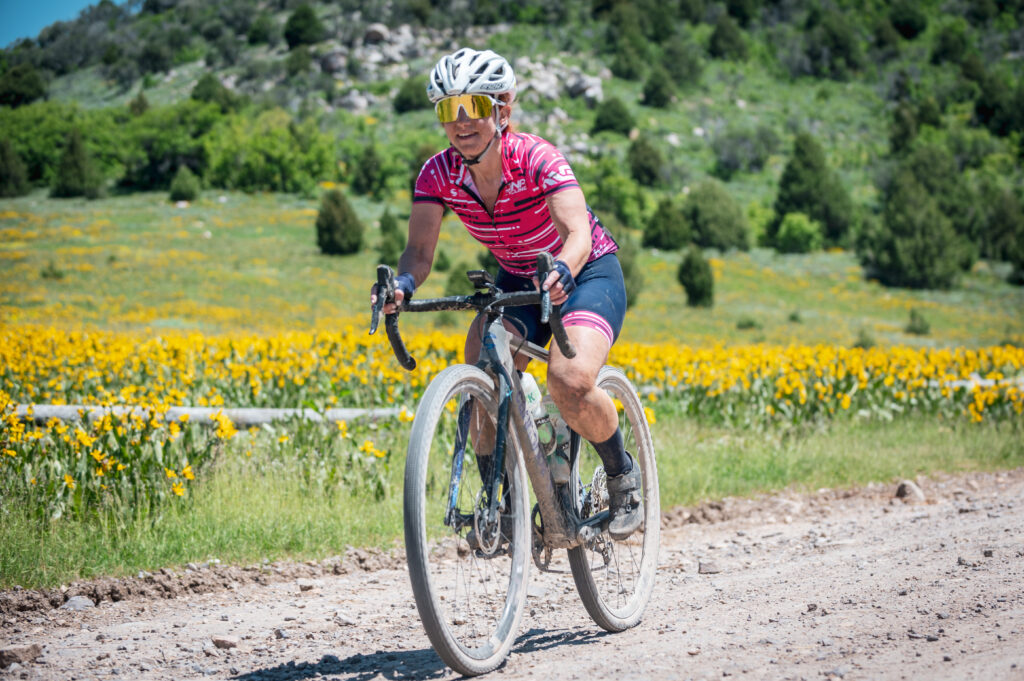
To further challenge my cycling photography, I also picked up Enve Grodeo and Dirty Dino Gravel, being hired to cover the two events. I was originally slated to shoot Wild Horse again, having been hired to cover it in 2022. Utah’s unseasonably wet winter of 2023/2024 prevented it from happening with the snow still covering the mountain passes in April.
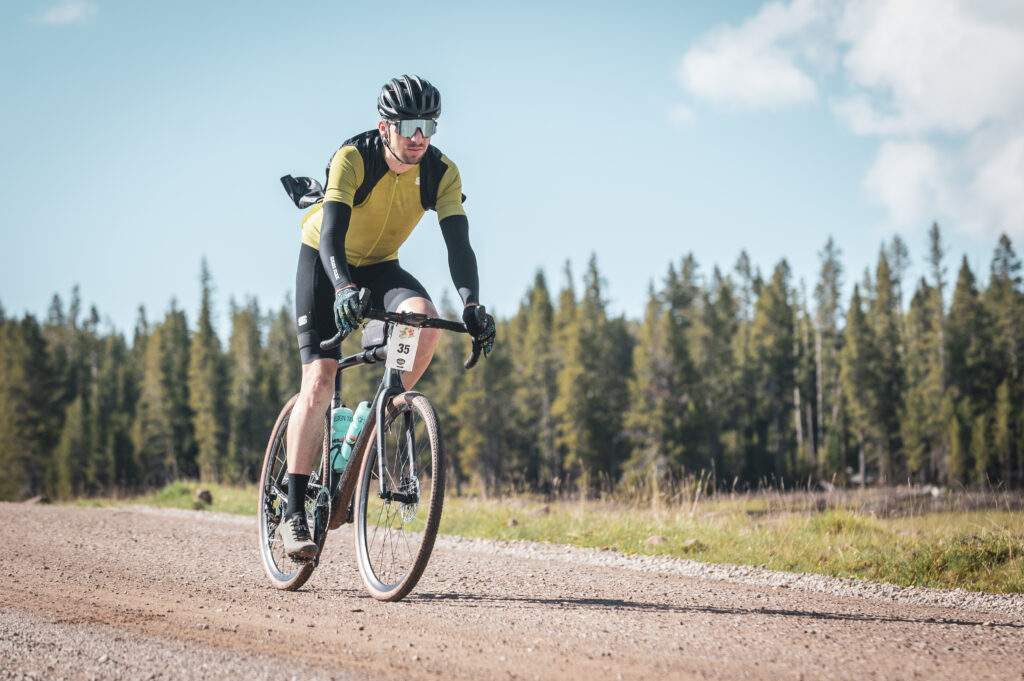
Gravel certainly provides a different set of challenges in capturing courses that are much more expansive. You usually only get one chance to get a shot of a rider in a particular area, as opposed to cyclocross or criterium, where you may get multiple opportunities to get exactly the shot you want. This requires visualizing what you want and not just capturing what you’re given, but I like a good challenge.
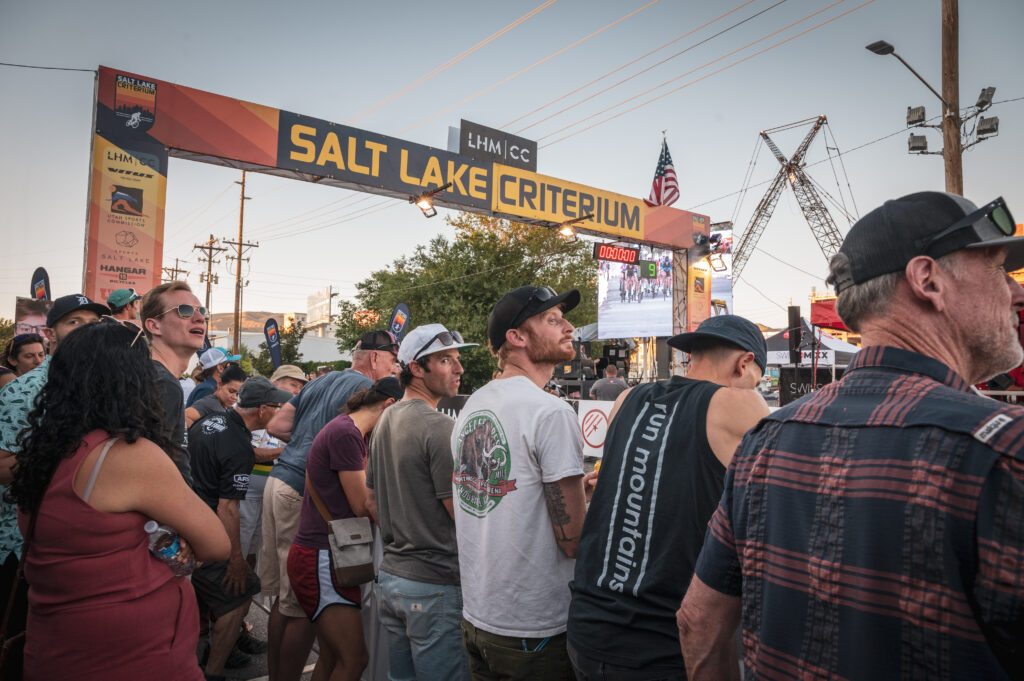
To fill time in between cyclocross season, I went full circle and began shooting the local Utah Crit Series races – even shooting the now defunct USA Crits race series that came to Boise, ID and Salt Lake City. These eventually would become part of the American Crit Cup in 2023 and I’d shoot them as well, even being hired to photography Salt Lake Criterium in 2023.
All in all, 2023 was a jam-packed year of taking what started as a side-hustle up a notch and I can’t wait to see what 2024 brings. Utah Crit League’s launch seems imminent to add an entirely new series of racing with new courses. I’m hoping to add some more travel to 2024 to make it to more races outside of the Intermountain West.
See you in 2024, friends.